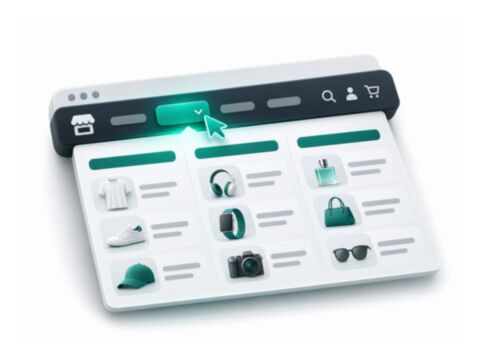
Browse Magento modules by the problem you need to solve, from SEO and checkout to product information and store administration. Compare the features, dependencies and requirements on each product page before choosing a package.
Start with the task you want to complete: repair search metadata, improve product information, adjust checkout or support an admin workflow. The category links group related tools so you can compare their responsibilities before installing several packages.
Use the product details and linked repository to review requirements, configuration and licence terms. Check whether a package provides the feature itself or is a library required by another module, and confirm any external-service requirements separately.
Check the package before installing
Use the product documentation for the exact package name, version requirements and deployment steps. Frontend packages, PHP modules and supporting libraries can have different setup requirements.
1Review the package requirements and configuration
2Back up the store and test on a staging copy
3Follow the package deployment steps and verify the result
installation checklist
Package   exact Composer name
Runtime   Magento and PHP requirements
Frontend  theme and checkout compatibility
Depends   required packages and services
Verify    storefront and Admin behaviour
Want me to set it up for you?
Share the module you want to use, your store version and your current theme. I can review the scope and quote installation, configuration or compatibility work.