
API Integration
Magento API integration for ERP, CRM, PIM and fulfilment workflows. Define what each system owns, how records map and what your team should do when a sync fails or the same event arrives twice.

- Clear ownership of the data exchanged between systems
- An agreed response to duplicates, rejected records and outages
- Failures your team can investigate and act on
What is included
- Field mapping and source-of-truth decisions
- Product, inventory, order or customer sync scope
- API access, permissions and provider limits reviewed
- Retry, duplicate and failure-handling rules
- Webhook or scheduled processing where appropriate
- Acceptance checks across source and destination
- Operational logs, reconciliation and handover notes
How I handle API Integration
Magento API integration connects store data with the systems that run the rest of your business. The important decisions are often operational: which system owns a stock value, when an order can be exported, and how someone finds a record that failed to sync. Those decisions belong in the scope before the connector is built.
Agree the data contract
Start with the external system's API documentation, a test environment and representative sample records. Map the required product, inventory, order or customer fields, including identifiers, store scope and allowed status changes. Define the source of truth for each field and how conflicting updates should be handled. A customer record, for example, may need a different matching rule from a product or shipment.
The design chooses supported APIs and an authentication method appropriate to both systems. Adobe's integration documentation covers third-party access to Commerce APIs. The authentication guidance explains how API resources and permissions control that access. Credentials and sample data need a secure handover; production secrets do not belong in a project brief or public log.
Design for delayed, repeated and rejected work
A connection needs an agreed response when a request times out, an endpoint rejects a field or a record arrives more than once. The scope defines retry limits, duplicate detection, error reporting and a controlled way to retry failed work. Where the destination supports idempotency, the design can use a stable key to recognize a repeated operation. Otherwise, record matching and reconciliation need explicit rules.
The choice between scheduled batches, queued processing and webhooks depends on data volume, rate limits and the other system's capabilities. Authentication and webhook verification follow that provider's supported mechanism. Queue acceptance is not evidence that a record reached its final state; the acceptance checks should trace representative records through to the destination.
Give the operations team a recovery path
Test normal updates alongside rejected records, unavailable services, duplicate events and interrupted processing. The handover should explain where failures appear, who investigates them and how to compare source and destination records. Logs should identify the operation without exposing credentials or unnecessary customer information.
The quote defines the systems, record types, direction of data flow, initial import and ongoing support included. A new field, endpoint or business rule can change that scope. Existing connectors are worth assessing before commissioning a new one, especially when a supported package already covers the required workflow.
For a payment provider that needs a Magento payment module, see custom payment method development. For a new storefront architecture, see headless Magento development. This service focuses on the connection between systems and the way your team operates it.
- Clear ownership of the data exchanged between systems
- An agreed response to duplicates, rejected records and outages
- Failures your team can investigate and act on
- Acceptance checks that follow records to their destination
- Documentation for changing mappings and maintaining the connection
How the project runs, step by step
-
01
Map the workflow
Review API documentation, example records and the systems involved. Agree which fields move, in which direction, and which system owns each value.
-
02
Define the operating rules
Review authentication, permissions, rate limits and delivery options. Specify how retries, duplicate events, conflicting updates and rejected records should be handled.
-
03
Build and test the connection
Use the agreed test environments to trace records across both systems. Exercise success, outage, validation and duplicate cases before reviewing the production rollout.
-
04
Reconcile and hand over
Check the initial data movement and representative live records under the agreed rollout plan. Document monitoring, investigation, controlled retries and the support scope.
Your quote
Get a fixed quote for your project
Send your store URL and describe what you want to change. We can review the requirements and agree a written scope, quote and timeline before work starts.
- Written scope, price and timeline
- You approve every change
What clients say after delivery
-
Kishan has done an excellent job in a timely manner. He is very knowledgeable, has a very positive attitude, easy to communicate.
Z. K.Magento 2 client -
He is technically strong, approaches problems thoughtfully, and focuses on stable, long-term solutions.
E. H.Magento 2 client -
Kishan was a pleasure to work with! He is highly skilled, professional, and delivered outstanding results on time.
M.Magento 2 client
-
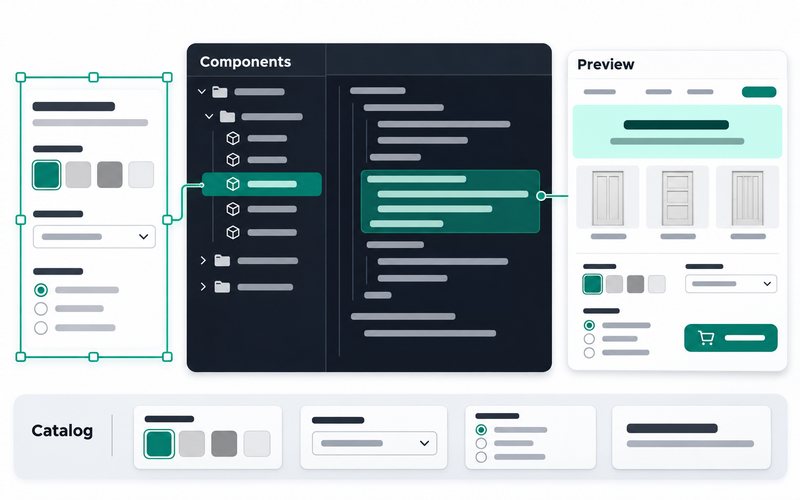
Client store · Interior doors shop, UK -
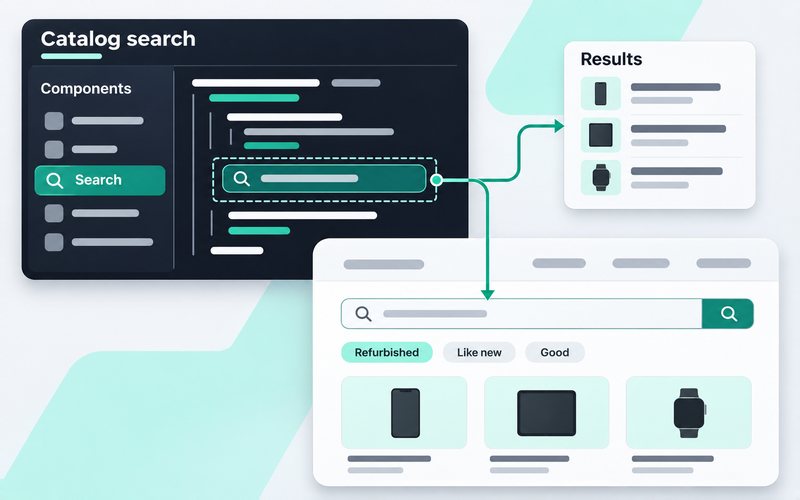
Client store · Refurbished phones shop, France
Which systems can a Magento API integration connect?
What information is needed to quote an integration?
Should the integration use webhooks, queues or scheduled sync?
How are duplicate events and retries handled?
Can existing data be imported before ongoing sync starts?
Is a custom payment gateway part of this service?
Services that pair well with API Integration

Tell me about your API Integration project
Send your store URL, the changes you need and any budget or deadline constraints. We can review the scope and agree a quote and timeline.