
Magento 2 performance optimization
Get a measured plan for slow pages, delayed search results or an unresponsive checkout. I trace where your store spends time, agree the fixes with you, then compare the affected journeys before and after the work.
- Diagnosis based on your store and its symptoms
- Written scope and repeatable acceptance checks
- Staging review and an agreed release plan

-
Audit Find the delay
Start with the pages and actions your shoppers find slow, then trace where the time is spent.
-
Scope Agree the work
Prioritise findings by their likely effect, effort and risk, with acceptance checks in the quote.
-
Test Compare fairly
Repeat the same journeys with recorded device, network, location and cache conditions.
-
Track Observe the result
Keep a change log and review production measurements when enough useful data is available.
What a Magento performance audit can cover
A slow page does not identify its own cause. These areas form a starting checklist; the findings determine which work belongs in your quote.
-
Application and cache behaviour
Review server response time, full-page cache misses, invalidation and slow extension code. Check the cache stack supported by your Magento version, while keeping customer and cart content private.
-
Images and page stability
Check the main content image, appropriate image sizes and formats, and reserved space for media. Important above-the-fold images need prompt loading; images further down the page may suit lazy loading.
-
JavaScript and CSS
Find long browser tasks, unused assets and third-party scripts that delay useful content or interactions. Review load order carefully and retest menus, search, cart and checkout after changes.
-
Database and catalogue search
Use available logs and query plans to investigate slow queries, indexer work and search requests. Assess resource pressure and configuration before recommending database or search changes.
-
CDN and browser caching
Check asset delivery, cache headers and invalidation against the site's actual traffic. Review which responses can be shared safely instead of applying a blanket edge-cache rule to dynamic journeys.
-
Measurements you can use
Record representative tests, the conditions they ran under and the changes made. Where available, compare lab findings with field data; agree any ongoing checks or alerts as part of the scope.
From the first report to a reviewed release
Timing depends on the cause, access and release constraints. The work starts with a baseline and a clear agreement about what will be changed and tested.
-
01
Establish a baseline
Review the symptoms and choose representative category, product, search and checkout journeys. Record the environment and use existing field reports or profiling data where access allows.
Initial review -
02
Agree priorities and scope
Separate confirmed bottlenecks from assumptions. Agree the fixes, dependencies, acceptance checks and quote before implementation begins.
Before implementation -
03
Implement and retest
Make the agreed changes in a suitable development or staging environment. Repeat measurements and check the shopping journeys affected by code, asset and cache changes.
Staging review -
04
Plan the release
Prepare backups, the deployment sequence and a rollback route appropriate to your hosting. Agree the release window and approval process before production changes.
Agreed release window -
05
Review production behaviour
Check the live journeys and available measurements after release. Document the results and any remaining constraints; monitoring and follow-up work are agreed in the scope.
Agreed follow-up
Lab tests help isolate a problem; field reports show the experience of real visitors. Their results can differ because the conditions differ. Read Google's explanation of lab and field data.
If the issue is where shoppers hesitate or abandon a journey, a conversion and usability review can address that separately from technical loading and response times.
Your quote
Get a fixed quote for your project
Send your store URL and describe what you want to change. We can review the requirements and agree a written scope, quote and timeline before work starts.
- Written scope, price and timeline
- You approve every change
Feedback about working together
Read client feedback alongside the proposed scope. Your performance baseline will establish what can be improved in your store.
Magento work and feedback View Upwork profile
-
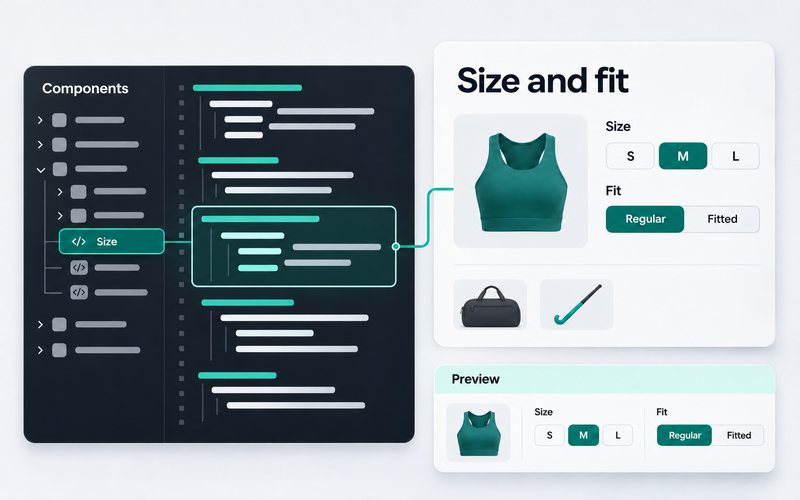
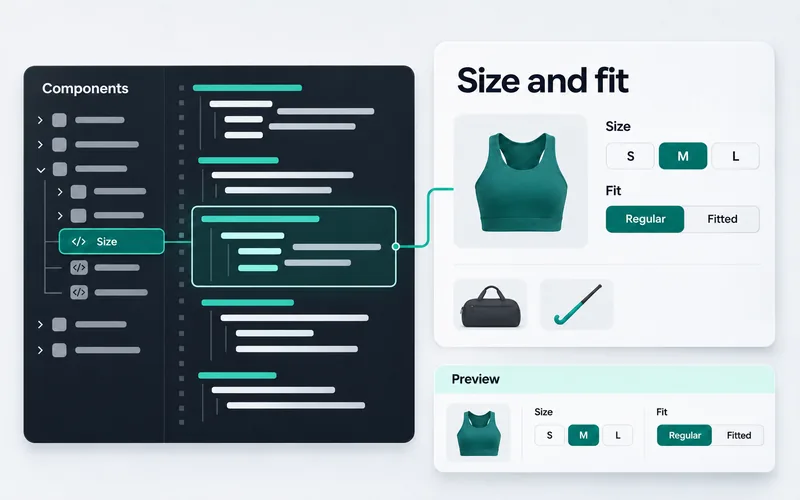
Sports footwear and hockey shop, Netherlands -
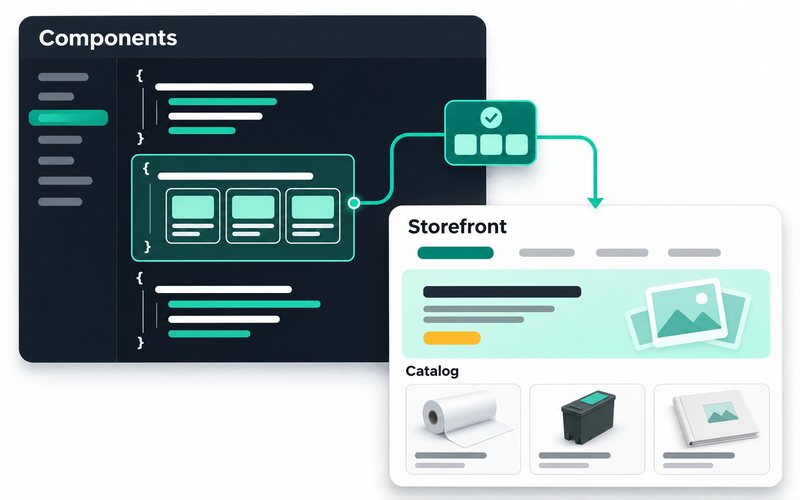
Photo printing supplies wholesaler, Netherlands -
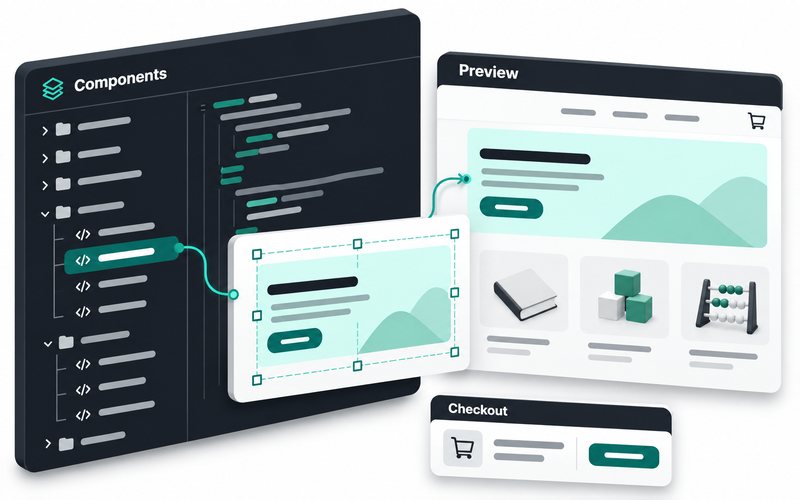
Educational toys and books shop
-
Kishan has done an excellent job in a timely manner. He is very knowledgeable, has a very positive attitude, easy to communicate.
Z. K.Magento 2 client -
He is technically strong, approaches problems thoughtfully, and focuses on stable, long-term solutions.
E. H.Magento 2 client -
Kishan was a pleasure to work with! He is highly skilled, professional, and delivered outstanding results on time.
M.Magento 2 client
Before you request a performance review
Tell me where your store feels slow
Share the URL, affected pages or actions, recent changes and any measurements you already have. That gives the review a useful starting point.
Message me on WhatsApp
Discuss the symptoms first. Access, scope, timing and the quote can then be agreed for your store.
Message me on WhatsApp
No form to fill. Send me a quick message. I reply during 10 AM to 7 PM IST, Monday to Saturday.
Helpful to mention
- Store URL
- Current Lighthouse score
- Monthly traffic
- Magento version
- Frontend
- Biggest pain point
These are already in the message for you. Just add your answers.
Message me on WhatsAppOr save my number: +91 84012 70422