
Hyva Theme Development
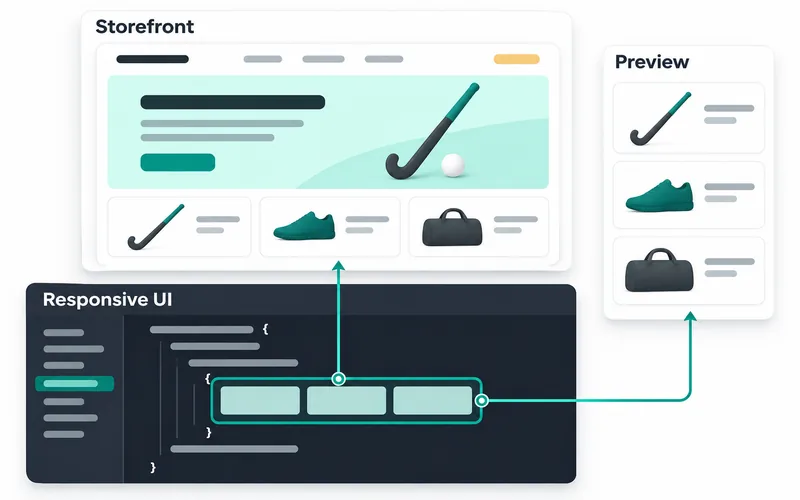
Hyva theme development for a new storefront, a Luma migration or changes to an existing Hyva build. Define the pages, extension behaviour and checkout requirements before the frontend work starts.
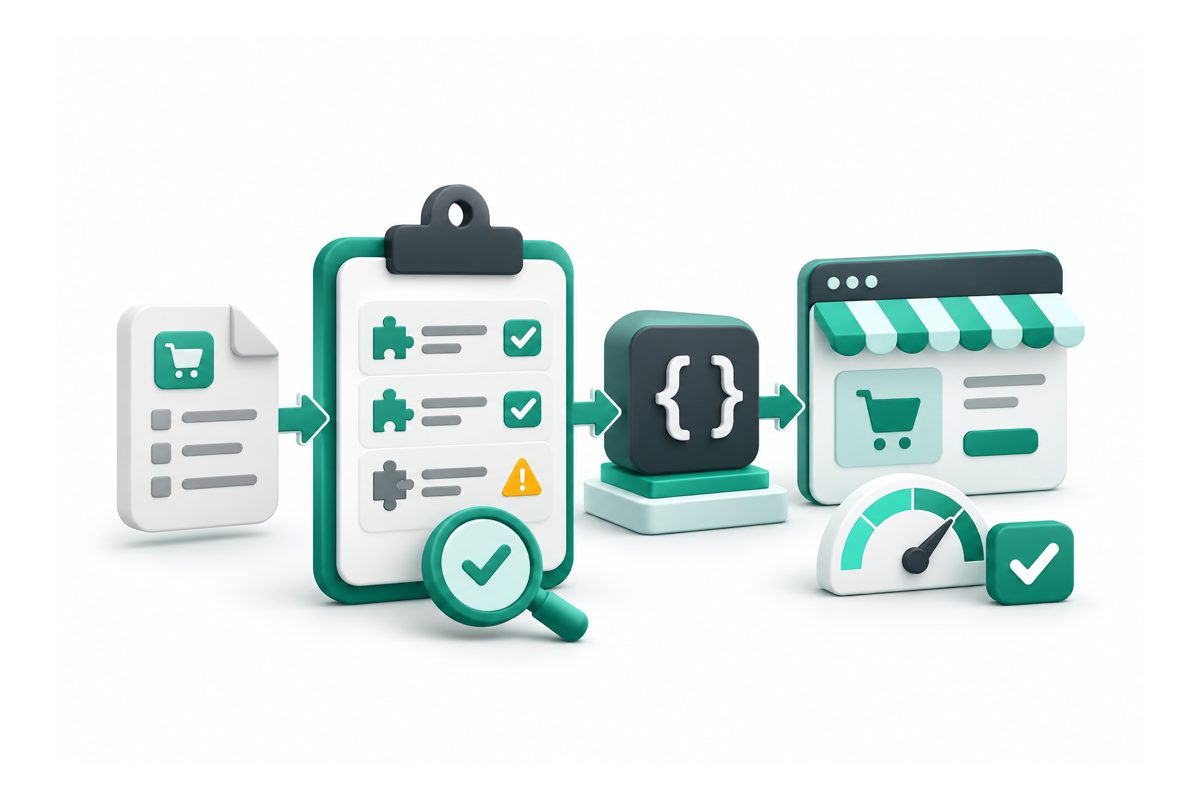
- A frontend scope that includes the extensions your shoppers use
- An explicit checkout decision before implementation
- Reusable design choices across the agreed pages
What is included
- Page, component and extension scope for your storefront
- Hyva child-theme setup or existing-theme changes
- Tailwind CSS styles and Alpine.js interactions
- Compatibility work for the agreed module features
- Checkout requirements reviewed as a separate workstream
- Responsive layouts, forms and keyboard interactions
- Staging review, build instructions and release checks
How I handle Hyva Theme Development
A Hyva theme project starts with your storefront and the way customers use it. You may want to keep the current design, introduce a new one or improve a specific part of an existing Hyva store. The scope needs to identify the pages, interactions and business rules that must work together.
Map the pages and extension behaviour
Share your theme code, design files, installed module list, store views and checkout setup. The assessment records what can be configured, what needs frontend work and what depends on another vendor. Product options, search, menus, account features and cart interactions each need a decision. A module label alone does not establish compatibility.
Hyva uses Tailwind CSS and Alpine.js for its frontend. Extensions with Luma or Blank frontend code may need adaptation; the official compatibility guidance explains that distinction. Your project should record the package versions and features being tested, including any existing compatibility modules.
Choose the checkout path explicitly
Moving storefront pages to Hyva does not decide the checkout implementation. You can assess whether to retain a Luma-based checkout through the supported theme fallback, or include Hyva Checkout as a separate part of the build. Its commercial licence, payment methods, address services and shipping integrations need their own review.
The agreed frontend scope can then cover reusable components, templates, styles and the interactions your design needs. Mobile layouts, keyboard use, forms and error states belong in the page review. Store views, currencies and customer-specific behaviour need representative test cases when they are part of the store.
Accept the build against real journeys
Review the pages on staging with real product types and test accounts. Confirm that shoppers can find a product, choose its options, update the cart and complete the supported checkout journeys. Check existing URLs, metadata, structured data and analytics where the frontend affects their output. A theme change should not silently remove information your store relies on.
Performance checks compare the agreed pages and conditions with a recorded baseline. Hosting, images, third-party scripts and extensions still affect the result, so the scope should define the measurements rather than promise a universal score. The handover records build commands, package requirements, tested journeys and release checks.
For hiring availability and working arrangements, see the Hyva developer page. If the main issue is a slow existing store, start with performance diagnosis before committing to a frontend rebuild.
- A frontend scope that includes the extensions your shoppers use
- An explicit checkout decision before implementation
- Reusable design choices across the agreed pages
- Test results tied to real product and shopping journeys
- Build and handover notes for the next person maintaining the theme
How the project runs, step by step
-
01
Review the storefront
Share the existing theme, designs, module list and checkout details. Identify the pages and interactions that must be retained, changed or introduced.
-
02
Agree the build plan
Review the component map, compatibility tasks and checkout approach. The quote identifies the page scope, external costs, assumptions and acceptance checks.
-
03
Build and review on staging
Review the agreed pages with representative products and store settings. Check responsive layouts, keyboard interactions, forms and extension behaviour as the build progresses.
-
04
Validate the release
Review shopping journeys, relevant SEO output and performance measurements. The handover records package versions, build steps, release checks and any agreed follow-up work.
Your quote
Get a fixed quote for your project
Send your store URL and describe what you want to change. We can review the requirements and agree a written scope, quote and timeline before work starts.
- Written scope, price and timeline
- You approve every change
What clients say after delivery
-
Kishan has done an excellent job in a timely manner. He is very knowledgeable, has a very positive attitude, easy to communicate.
Z. K.Magento 2 client -
He is technically strong, approaches problems thoughtfully, and focuses on stable, long-term solutions.
E. H.Magento 2 client -
Kishan was a pleasure to work with! He is highly skilled, professional, and delivered outstanding results on time.
M.Magento 2 client
-
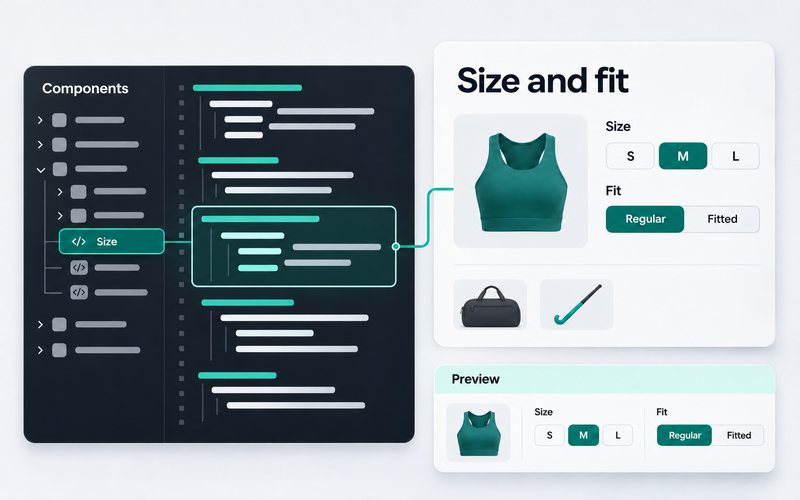
Client store · Sports footwear and hockey shop, Netherlands -
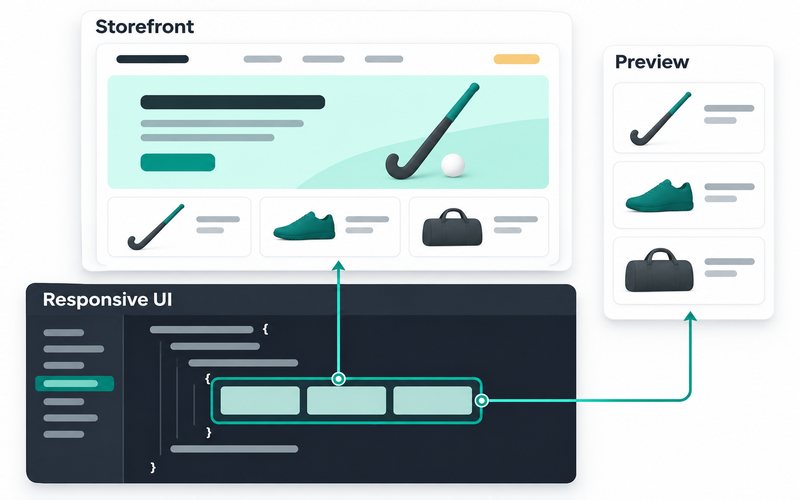
Client store · Field hockey equipment shop, Netherlands
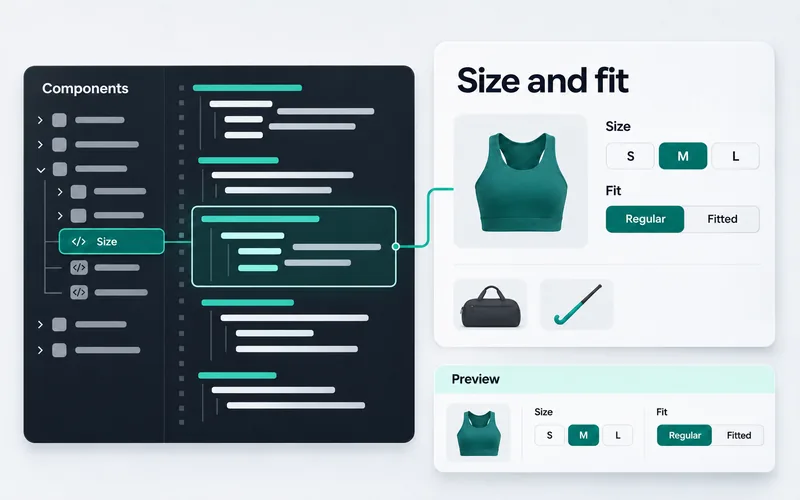
What is included in a Hyva theme development project?
Will existing Magento extensions work with Hyva?
Does a Hyva theme migration include Hyva Checkout?
Are licences and third-party costs included?
Can a Hyva build guarantee a PageSpeed score?
What should you prepare before requesting a quote?
Services that pair well with Hyva Theme Development

Tell me about your Hyva Theme Development project
Send your store URL, the changes you need and any budget or deadline constraints. We can review the scope and agree a quote and timeline.