
Magento 1 to OpenMage Migration
Magento 1 to OpenMage migration starts with a review of your core version, extensions, theme and hosting. Get a scoped quote, a tested staging build and a release plan that accounts for your store data and daily operations.

- A reasoned decision about retaining the existing store
- Compatibility work identified before a release is scheduled
- A test plan built around your operating workflows
What is included
- Magento 1 core, custom code and dependency inventory
- Maintained OpenMage target and hosting requirements review
- Staging migration with database upgrade checks
- Extension, theme and integration compatibility assessment
- Agreed checkout, order and scheduled-task testing
- URL, canonical, redirect and sitemap comparisons
- Launch, data synchronisation and recovery plan
How I handle Magento 1 to OpenMage Migration
A Magento 1 to OpenMage migration gives you a way to continue using a Magento 1-based store while moving to a community-maintained codebase. The work starts by checking whether OpenMage suits your existing store and future plans. The quote then defines the target release, compatibility work, tests and launch arrangements.
Check whether OpenMage fits your store
OpenMage describes itself as a community project based on Magento 1. That shared history matters when you want to retain an established storefront and operating process. It does not confirm that every extension, theme override or integration will work unchanged on a newer release.
The review covers your Magento version, core modifications, local modules, theme, scheduled jobs and external services. Payment, shipping and stock integrations need particular attention because they connect the store to systems with their own requirements. Missing source code or an unsupported vendor dependency can affect the options and the estimate.
Your plans matter too. If you need a different storefront architecture, substantial new functionality or a wider rebuild, compare those requirements before choosing the target. The Magento 1 to Magento 2 migration service covers that separate route. The recommendation should explain what can be retained and what needs to change.
Build against an assessed target release
Select a maintained OpenMage release and check its current system requirements against the proposed hosting. PHP, database, extensions and custom code need to be assessed together. A general statement that a module supports Magento 1 is not enough to establish compatibility with the chosen combination.
Carry out the migration and any database upgrades on a staging copy first. Review extension and theme changes there, then test the workflows your business uses: browsing, customer access, checkout, payment callbacks, emails, order handling and scheduled integrations. Agree the relevant cases and test data before using provider sandboxes or other connected systems.
Plan the switch around store activity
The release plan needs to account for orders, customer changes, stock and other data written while staging work is in progress. Define any final synchronisation, write restrictions, maintenance window and recovery decision before launch. A backup and a staging copy serve different purposes; the recovery route needs its own checks.
Compare important public URLs, status codes, redirects, canonicals and sitemap entries before and after the move. These checks help identify accidental changes, while search visibility remains something to monitor after release. The quote should also identify the post-launch checks and support window. For recurring care beyond the migration, discuss a separate maintenance arrangement with the platform scope stated explicitly.
- A reasoned decision about retaining the existing store
- Compatibility work identified before a release is scheduled
- A test plan built around your operating workflows
- Clear ownership of launch and recovery decisions
- A documented basis for ongoing platform maintenance
How the project runs, step by step
-
01
Review the store and requirements
Inventory the Magento 1 installation, custom work and connected services. Compare the OpenMage route with the changes your business needs, and record dependencies or missing information.
-
02
Agree the target and quote
Choose the proposed OpenMage release and hosting combination. Define compatibility work, testing, launch responsibilities and the post-launch support included in the written quote.
-
03
Migrate and test on staging
Apply the migration on a staging copy and check database upgrades, extensions and theme changes. Run the agreed store and integration cases, recording issues and results.
-
04
Prepare and verify the release
Agree the final data handling and release window, then carry out the approved launch plan. Check storefront operation, integrations, logs and important URLs against the acceptance record.
Your quote
Get a fixed quote for your project
Send your store URL and describe what you want to change. We can review the requirements and agree a written scope, quote and timeline before work starts.
- Written scope, price and timeline
- You approve every change
What clients say after delivery
-
Kishan has done an excellent job in a timely manner. He is very knowledgeable, has a very positive attitude, easy to communicate.
Z. K.Magento 2 client -
He is technically strong, approaches problems thoughtfully, and focuses on stable, long-term solutions.
E. H.Magento 2 client -
Kishan was a pleasure to work with! He is highly skilled, professional, and delivered outstanding results on time.
M.Magento 2 client
-
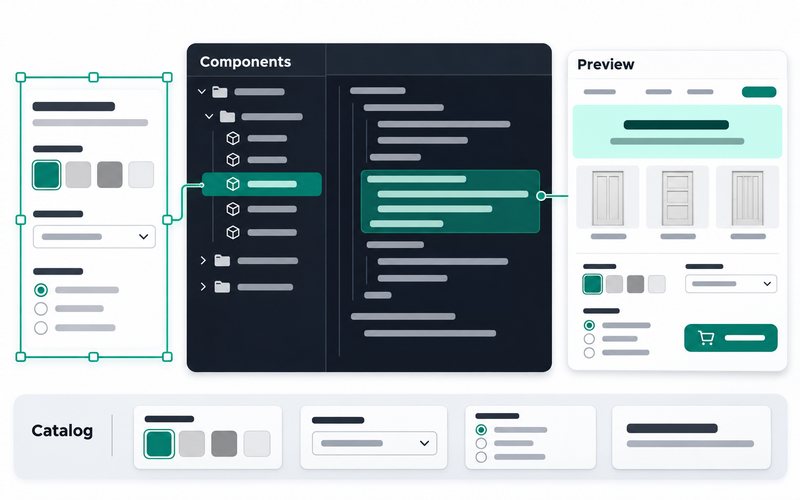
Client store · Interior doors shop, UK -
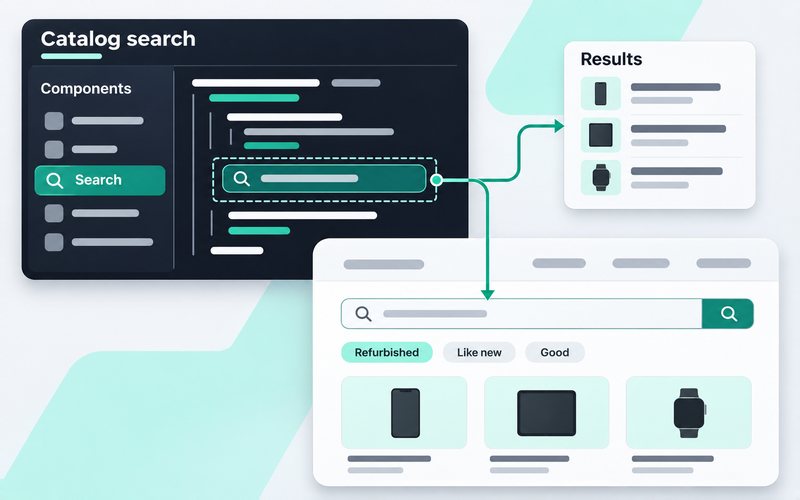
Client store · Refurbished phones shop, France
What is OpenMage, and how does it relate to Magento 1?
Should you choose OpenMage or migrate to Magento 2?
Will your Magento 1 extensions and theme work unchanged?
Which OpenMage and PHP versions will the migration use?
Can the live store continue taking orders during the work?
How are URLs, launch timing and post-launch support handled?
Services that pair well with Magento 1 to OpenMage Migration

Tell me about your Magento 1 to OpenMage Migration project
Send your store URL, the changes you need and any budget or deadline constraints. We can review the scope and agree a quote and timeline.