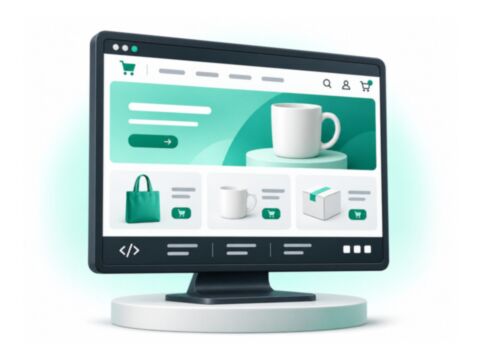
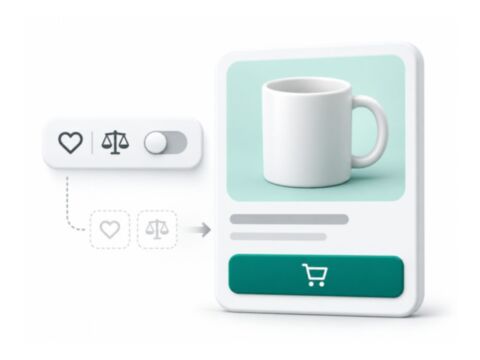
Let interested shoppers request stock or price updates, and review tools that manage wishlist or comparison behaviour. Check the subscription journey, notification rules and email delivery before enabling alerts.
Stock and price alerts serve different customer requests. Choose the event you need, review the notification rules, and check how customers subscribe, manage their choice and receive the message.
Test the complete flow with a sample account and your email setup before enabling it for shoppers. If you are changing wishlist or comparison controls, review the affected links and templates as a separate storefront decision.
Check the package before installing
Use the product documentation for the exact package name, version requirements and deployment steps. Frontend packages, PHP modules and supporting libraries can have different setup requirements.
1Review the package requirements and configuration
2Back up the store and test on a staging copy
3Follow the package deployment steps and verify the result
installation checklist
Package   exact Composer name
Runtime   Magento and PHP requirements
Frontend  theme and checkout compatibility
Depends   required packages and services
Verify    storefront and Admin behaviour
Want me to set it up for you?
Share the module you want to use, your store version and your current theme. I can review the scope and quote installation, configuration or compatibility work.