







Cache Manager for Magento 2
Clean cache tags after selected Magento entity saves and schedule HTTP requests for configured page types...
Check the spelling or try a broader word like “checkout” or “SEO”. Still stuck? Ask me directly.
Ask on WhatsAppFind tools for cache management, image optimisation and performance diagnostics. Measure the affected pages first, then choose a change you can compare against the same baseline.
9 categories. Pick one, or scroll down for the full list.
Free, MIT licensed, Hyvä and Luma. Every card links to the install guide.
Clean cache tags after selected Magento entity saves and schedule HTTP requests for configured page types...
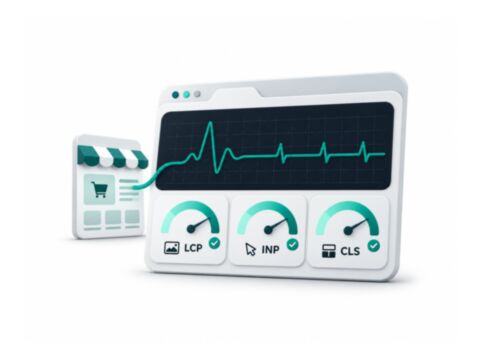
Collect browser LCP, layout-shift and interaction-timing observations, then optionally send reports to GA4 or...
Use monitoring and diagnostic tools to understand the slow page or request. Cache-management tools and image optimisers address different parts of delivery, so choose them from the evidence rather than a score alone.
Compare representative product, category and checkout journeys under matched conditions after each change. Check customer-specific behaviour as well as cached pages, and review what each tool measures before interpreting Lighthouse or Core Web Vitals results.
Use the product documentation for the exact package name, version requirements and deployment steps. Frontend packages, PHP modules and supporting libraries can have different setup requirements.
Package exact Composer name Runtime Magento and PHP requirements Frontend theme and checkout compatibility Depends required packages and services Verify storefront and Admin behaviour
Share the module you want to use, your store version and your current theme. I can review the scope and quote installation, configuration or compatibility work.