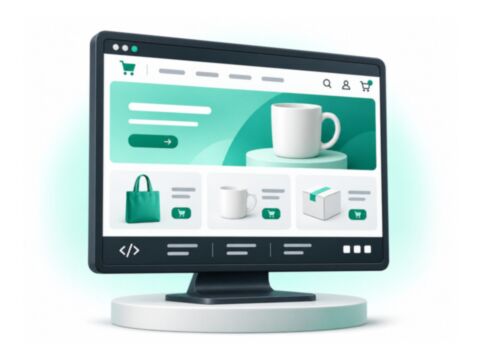
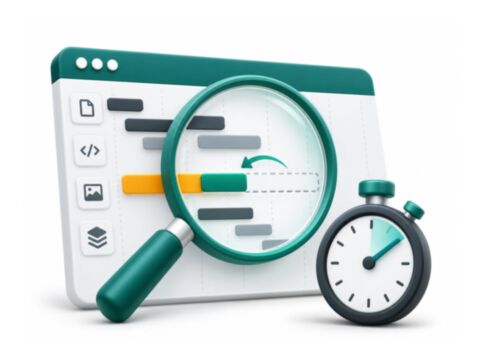
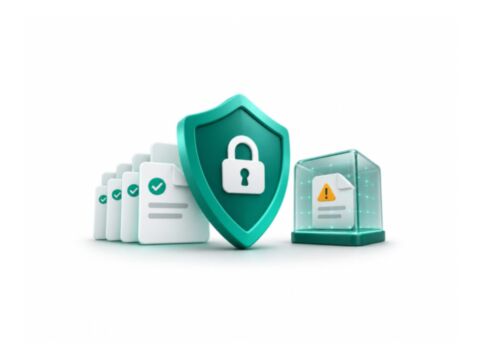
Review tools for store administration, diagnostics, file checks and maintenance. Match the module to the task and the access it needs, then verify its effects on a staging copy before production use.
Compare the grid, menu, indexer, error-monitoring and file-check tools against the work your administrators perform. Review required permissions, the information shown and the actions each role can take. Check the Base Module when another package lists it as a dependency.
For tools that modify or remove data, confirm the selected records and restore procedure before a production task. Review scan findings alongside your normal patching and recovery work, with a clear process for investigating the result.
Check the package before installing
Use the product documentation for the exact package name, version requirements and deployment steps. Frontend packages, PHP modules and supporting libraries can have different setup requirements.
1Review the package requirements and configuration
2Back up the store and test on a staging copy
3Follow the package deployment steps and verify the result
installation checklist
Package   exact Composer name
Runtime   Magento and PHP requirements
Frontend  theme and checkout compatibility
Depends   required packages and services
Verify    storefront and Admin behaviour
Want me to set it up for you?
Share the module you want to use, your store version and your current theme. I can review the scope and quote installation, configuration or compatibility work.